
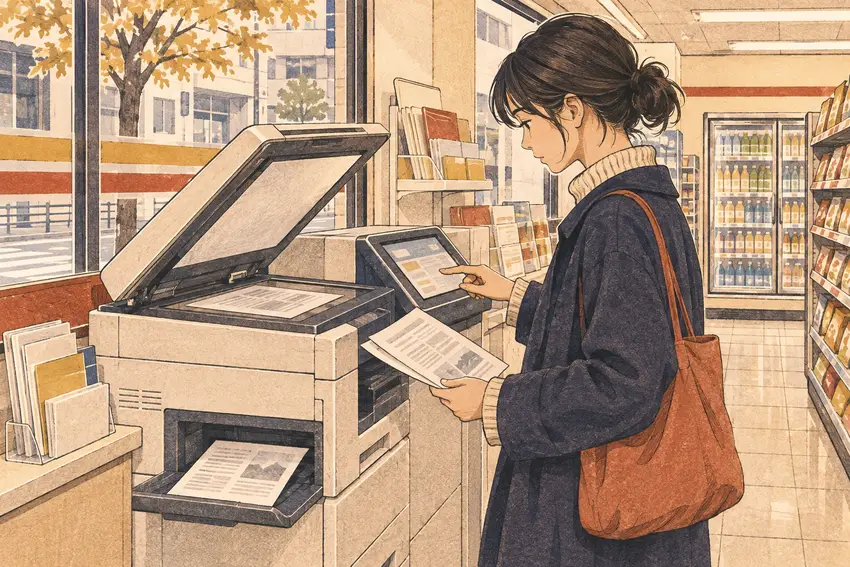

You want to copy a two-page document onto one sheet. At the copier, look for 両面 (double-sided), then check whether the menu asks about the original, the output, or both. If the screen is unclear, ask staff which option puts one page on each side.
Distinguish the original from the copy
原稿 refers to the original. 片面 is single-sided. The original may consist of two single-sided pages even when you want one double-sided copy. Some machines also offer orientation options. The exact screen and loading method vary by store and model.
A Japanese example you can adapt
片面の原稿2枚を、用紙1枚の両面にコピーしたいです。この機械ではどの設定を選べばよいですか。
English. I’d like to copy two single-sided originals onto both sides of one sheet. Which setting should I choose on this machine?
Check both sides before leaving
Look for the second page and its orientation. Retrieve the originals, output and any media used. If the copy is for a particular recipient, check its page layout requirements before making several copies.