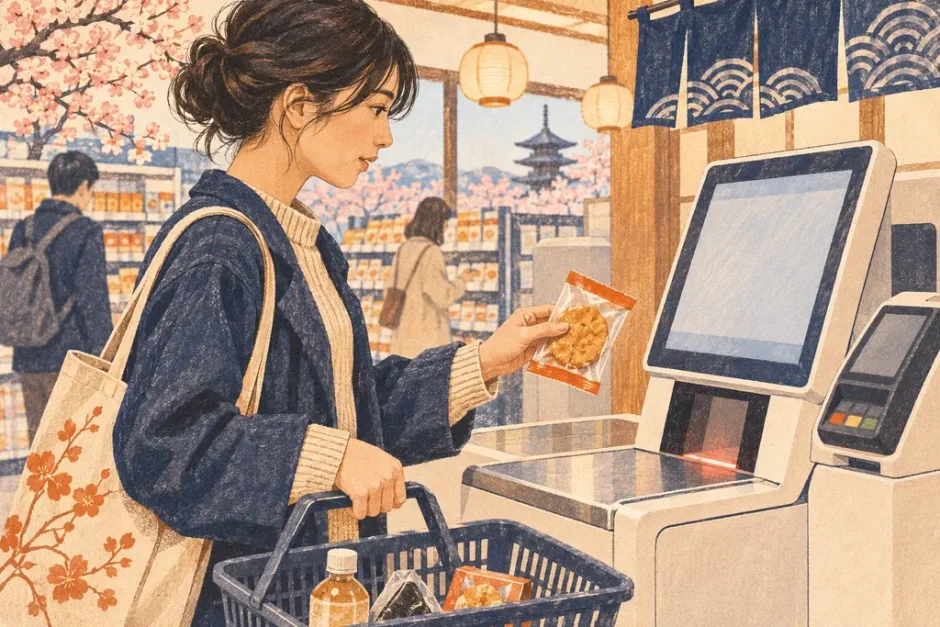

You hear two beeps and see two entries for one item at self-checkout. Pause before paying and check the quantity and item name. If there is no clear option to remove an item, ask an attendant to correct the entry.
Japanese terms to check
| Japanese | Meaning | What to do |
|---|---|---|
| 数量 | Quantity | Confirm that the count reflects the units you have. |
| 取消 | Cancel or remove | Check whether it applies to one item or the entire transaction. |
| 係員呼出 | Call an attendant | Use it for corrections that require staff. |
Look at the item line, not the beep
A screen can list the same item twice or display one line with a quantity of two. Point to the line and show the single product. If a quantity prompt relates to multiple items you actually have, confirm the correct number before continuing.
A Japanese message you can adapt
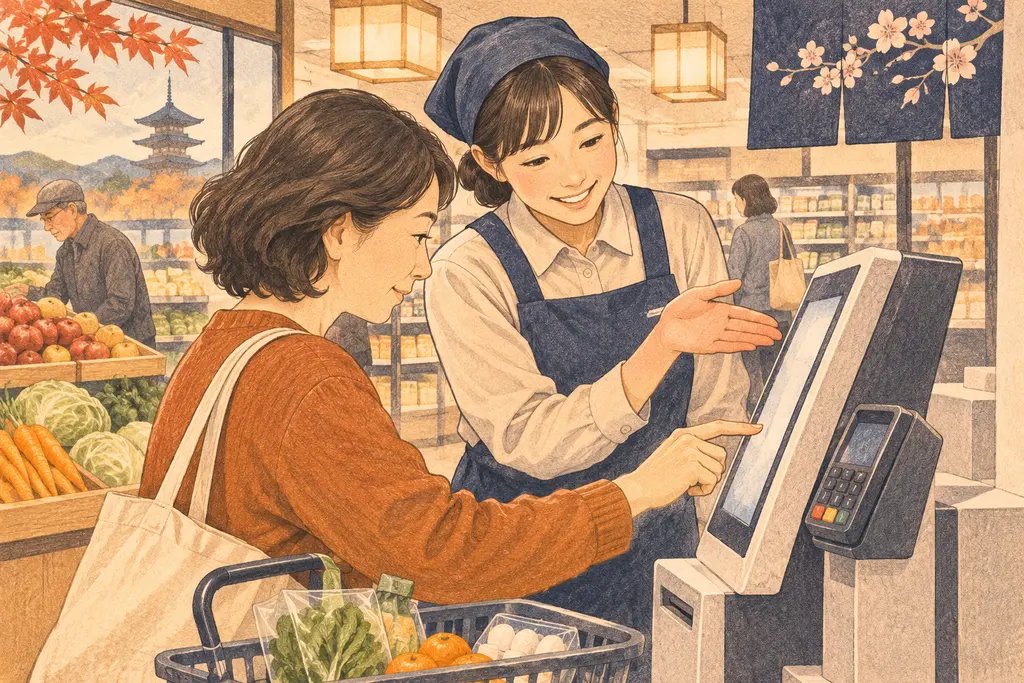
この商品を1点だけ買いたいのですが、2回読み取ってしまいました。1点分を取り消していただけますか。
English translation. I only want to buy one of this item, but I scanned it twice. Could you remove one from the transaction?
If you have paid already
Keep the receipt and go to the checkout attendant or customer service counter with the item. Point out the affected lines and ask how they handle the correction. The steps and permission controls vary by store and terminal.
See also Japanese Supermarket Self-Checkout: Screen Words and What to Do.