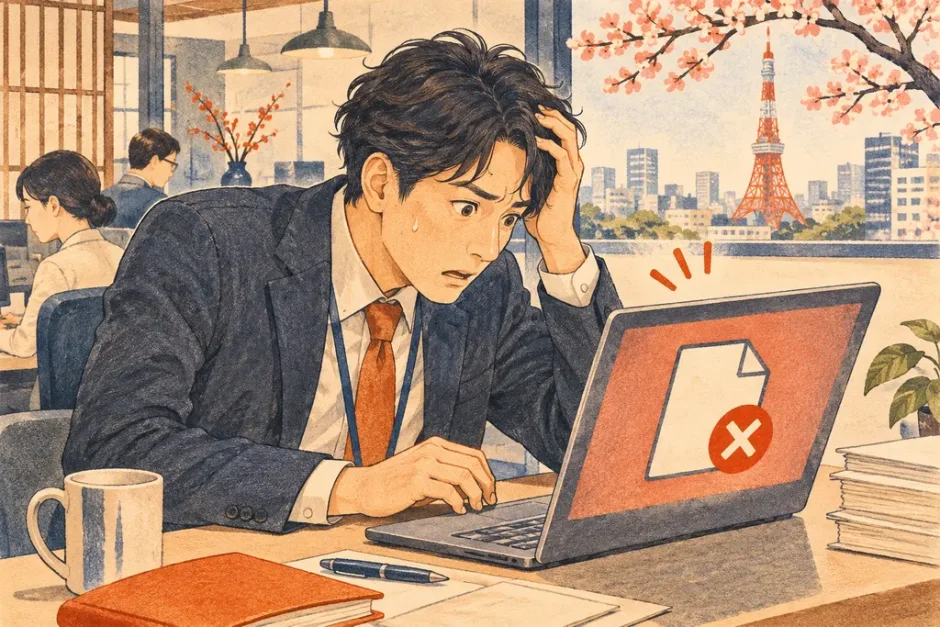

You just sent the wrong file in a work email. Open the sent message, identify the affected file and recipients, and send a concise correction through the same thread if the original recipients should receive the replacement.
Japanese terms to check
| Japanese | Meaning | What to do |
|---|---|---|
| 添付誤り | Attachment error | Name the incorrect file clearly. |
| 差し替え | Replacement | Identify the correct version or filename. |
| 破棄 | Discard | Ask the intended recipients to discard the incorrect copy when appropriate. |
Send one clear replacement
Give the correct attachment a recognizable version number or date. Open the file from the composed email before sending. If the file contained information that should not have reached the recipients, follow your employer’s incident process immediately and tell the responsible team what was sent and to whom.
A Japanese message you can adapt
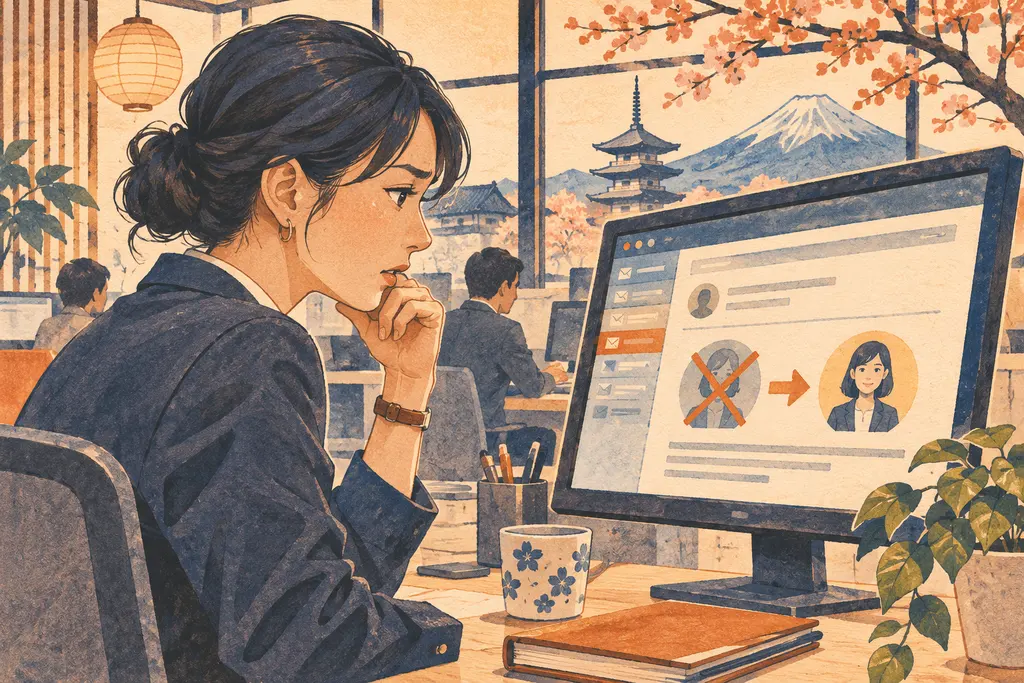
先ほどのメールに誤ったファイルを添付しておりました。申し訳ございません。こちらのメールに添付した[ファイル名]をご確認ください。
English translation. I attached the wrong file to my previous email. I’m sorry for the mistake. Please refer to [filename] attached to this message.
Check who needs the correction
Review To and CC and include the intended recipients according to your workplace’s practice. If the attachment was a link, check whether you can revoke access to the old file and grant the correct permissions to the replacement.
See also Japanese Workplace Email: To, CC and When to Reply All.