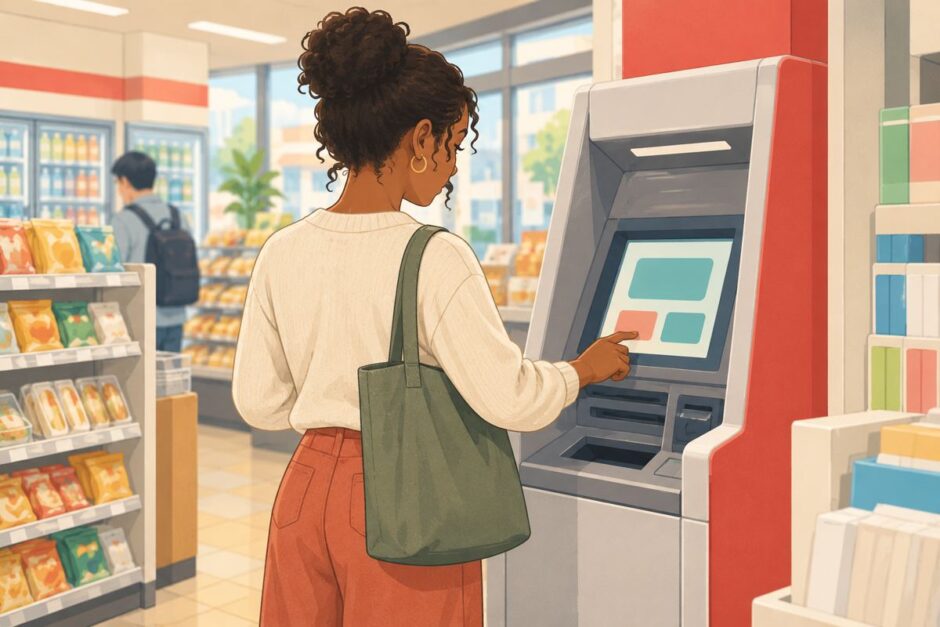

You need cash, but the ATM screen is in Japanese. Start with お引出し for a withdrawal, お預入れ for a deposit, or 残高照会 to check your balance. If the machine offers English or English Guide, you can switch languages before continuing. The exact buttons and order depend on the ATM and your card.
Japanese ATM buttons at a glance
| On the screen | Reading | Meaning | When to use it |
|---|---|---|---|
| お引出し/引出し | ohikidashi / hikidashi | Withdrawal | Take cash from your account |
| お預入れ/預入れ | oazukeire / azukeire | Deposit | Put cash into an eligible account |
| 残高照会 | zandaka shōkai | Balance inquiry | Check your account balance |
| お振込み/振込 | ofurikomi / furikomi | Bank transfer | Send money to another account; not a cash withdrawal |
| 暗証番号 | anshō bangō | PIN | Enter the PIN for the card or service you are using |
| 金額 | kingaku | Amount | Enter the amount in yen |
| 確認 | kakunin | Confirm | Check the details before proceeding |
| 訂正 | teisei | Correct | Change an entry, if this button appears |
| 取消/取引中止 | torikeshi / torihiki chūshi | Cancel transaction | Stop and return to the previous screen or end the transaction |
| 明細票/ご利用明細票 | meisaihyō / goriyō meisaihyō | Transaction receipt | Choose 必要 (needed) or 不要 (not needed), if prompted |
Some machines use slightly different wording. Japan Post Bank’s published ATM screen, for example, shows お預入れ, お引出し, 残高照会, ご送金 and an English Guide button. These are examples, not a promise that every ATM has the same menu. See Japan Post Bank’s illustrated ATM screen.
How to withdraw cash
- Check that the ATM accepts your card. If you have a card issued overseas, check the supported network marks and the issuer’s rules first. Japan Post Bank’s international ATM guide and Seven Bank’s overseas-card guide explain their respective services.
- Select English if available, or choose お引出し. Follow the machine’s prompt to insert your card.
- Enter your 暗証番号 (PIN) privately. Enter the 金額 in yen and review the amount and any displayed fee.
- Select 確認 only when the details are right. Collect the cash, card and receipt if issued; wait for the screen to finish before leaving.
The order can vary. Seven Bank’s published transaction flow, for example, shows PIN entry, amount entry, confirmation and a receipt choice for its FACE CASH service. Follow the screen in front of you rather than treating that particular flow as a universal one.
Withdrawal, deposit or transfer?
If you want cash in your hand, choose お引出し. If you want to put notes into your own eligible account, choose お預入れ. If you need to send money to someone else’s bank account, look for 振込 or ご送金 and check the recipient details carefully. These functions are separate; availability depends on your card, bank and ATM. A foreign-issued card may allow withdrawal without offering deposits or domestic transfers.
Useful Japanese when you need help
| Say this | Reading | Meaning |
|---|---|---|
| 英語の画面はありますか。 | Eigo no gamen wa arimasu ka? | Is there an English screen? |
| 現金を引き出したいです。 | Genkin o hikidashitai desu. | I’d like to withdraw cash. |
| このカードは使えますか。 | Kono kādo wa tsukaemasu ka? | Can I use this card? |
| カードが戻ってきません。 | Kādo ga modotte kimasen. | My card hasn’t come back. |
Ask a staff member where the support phone or intercom is if the machine retains your card. Do not tell anyone your PIN or let another person enter it for you.
Fees and card limits: check before you confirm
A convenience store location does not guarantee a free withdrawal. Fees, available hours, transaction limits and supported services can depend on the ATM operator, your bank, the type of card and the time of day. The bank that issued an overseas card may also impose its own charges. Check the on-screen fee, your bank’s current terms and the ATM operator’s current guide. Seven Bank states that overseas-card fees vary by card brand; Japan Post Bank advises users to consult the issuing financial institution about card use.
If the screen presents a choice of billing currency for an overseas card, read the displayed exchange-rate and fee information before confirming. If the terms are unclear, cancel and check with your card issuer.
If the screen still does not make sense
Use 取消 or 取引中止 to stop. You can try an ATM with an English option or contact your bank. Do not keep guessing a PIN: repeated incorrect entries may cause a card or service to be locked. If you are settling into Japan, our jūminhyō guide explains another common resident procedure, while the grocery shopping guide helps with everyday store routines.