

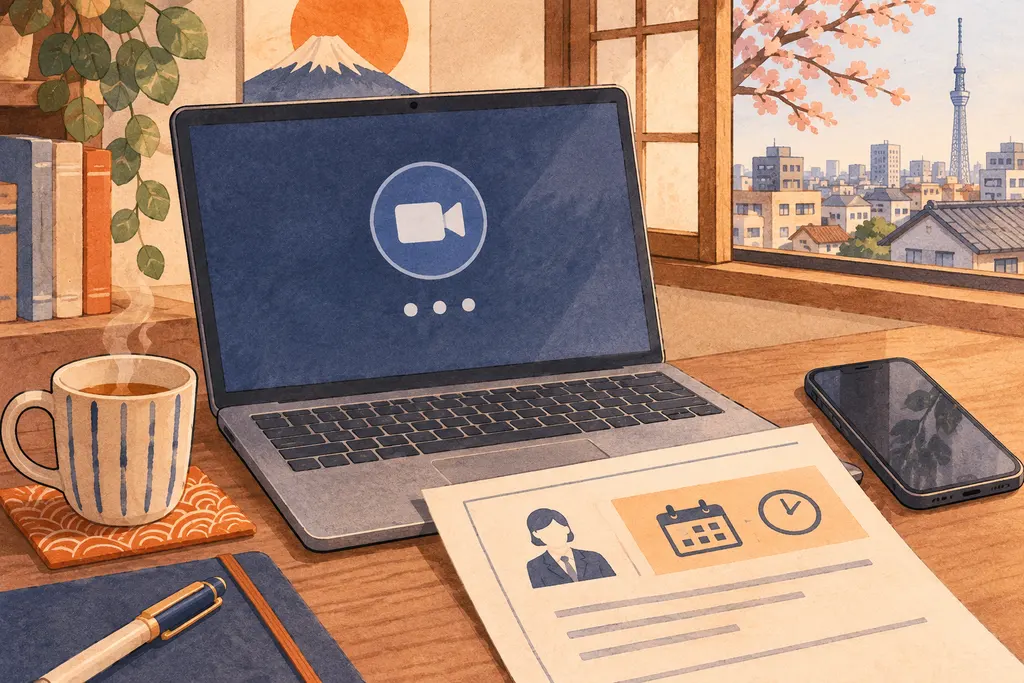
Your interview is about to start and the meeting link will not let you in. Check the latest invitation for the start time, time zone, account requirements, and emergency contact. If you cannot join by the start time, tell the recruiter immediately through the contact channel they gave you.
Japanese terms to check
| Japanese | Meaning | What to do |
|---|---|---|
| 接続先 | Connection details | Check the latest email for the meeting URL, ID and passcode. |
| 待機室 | Waiting room | If the meeting shows you are waiting for the host, stay connected and report your status if the start time passes. |
| 緊急連絡先 | Urgent contact | Use the named phone number or hiring contact when an interview is imminent. |
Report what the screen actually says
If the meeting opens but shows a waiting room, tell the recruiter you are waiting. If it says you need to sign in, try the account the invitation names before repeatedly opening the same link. If an error is clearly about access, ask for the corrected link and say where you can be reached. When you have time before the appointment, test your microphone and camera separately so you can describe a device problem clearly.
A Japanese message you can adapt
本日14時から面接予定の[氏名]です。ご案内いただいたURLから接続を試みましたが、参加できない状態です。接続先をご確認いただけますでしょうか。こちらのメールまたは[電話番号]で連絡が取れます。
English translation. This is [name], scheduled for an interview today at 2 p.m. I tried to join using the link you sent and am unable to enter. Could you check the meeting details? You can reach me by replying here or at [number].
If the recruiter sends a replacement link
Close the old meeting after you can access the new one. If they offer a phone call or a reschedule, confirm which option and time you agreed to in the hiring thread. A screenshot can help distinguish an access error from the waiting room. Crop out passwords, unrelated tabs, and account details before sharing it.
See also Japanese Interview Invitation Email: Read the Schedule and Reply.