
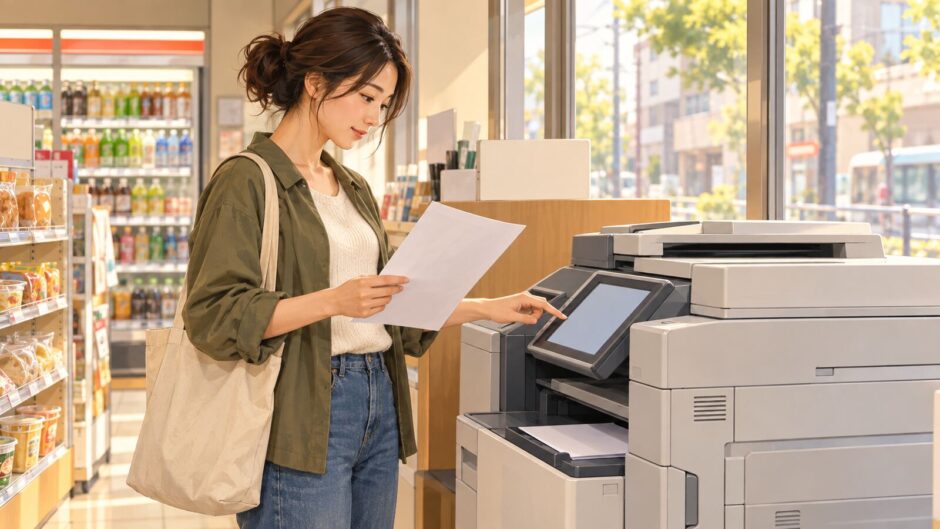

You need to submit a paper form, print a PDF from your phone, or turn a signed page into a file. At a Japanese convenience store, look for the マルチコピー機 (multifunction copier). The first decision is simple: コピー duplicates a paper original, プリント prints a digital file, and スキャン saves a paper page as data. Choose the service before selecting paper size or paying.
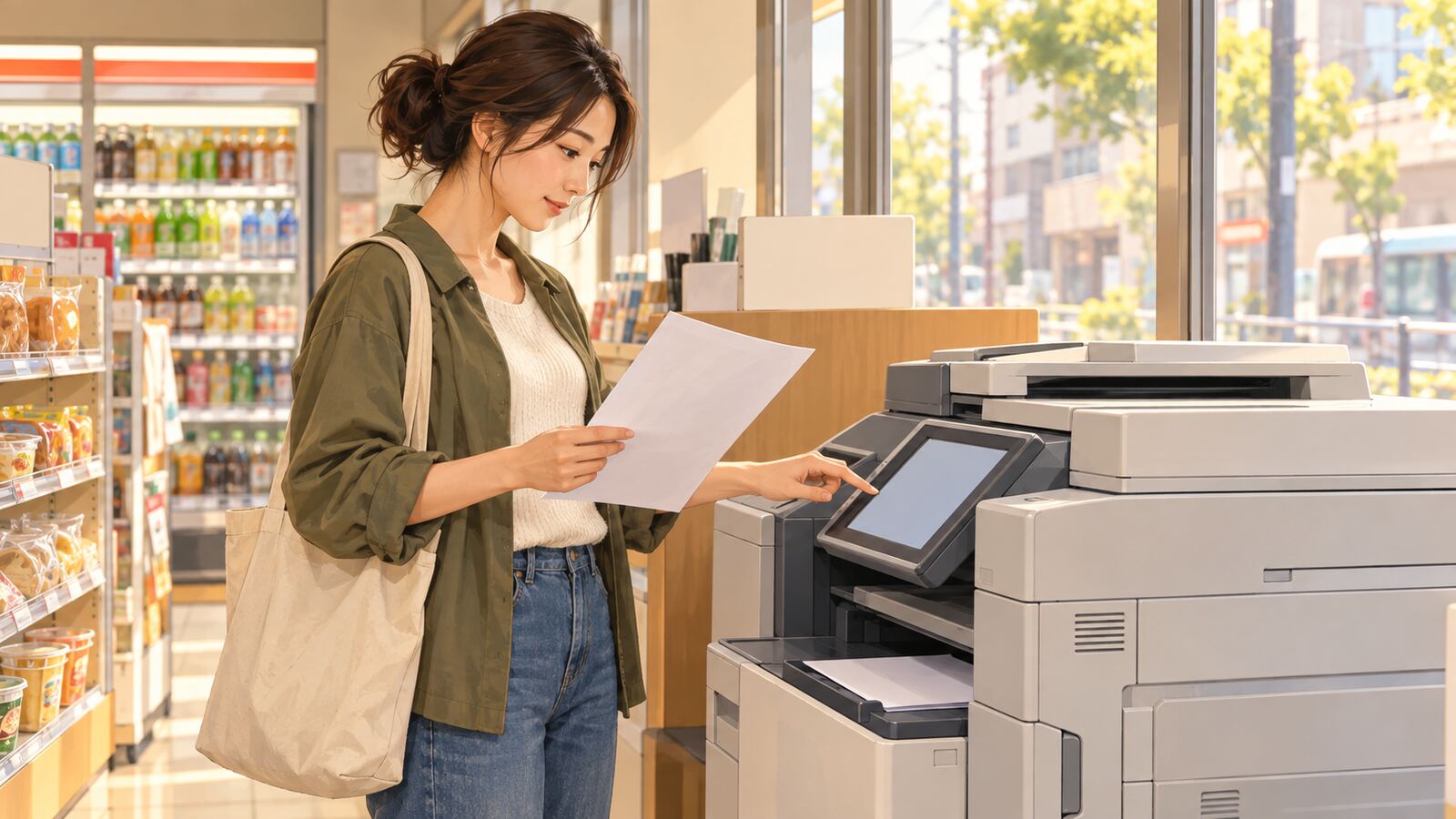
Japanese buttons at a glance
| On the screen | Reading | Meaning |
|---|---|---|
| コピー | kopī | Copy a paper original onto paper |
| プリント/普通紙プリント | purinto / futsūshi purinto | Print a file / print on ordinary paper |
| ネットプリント/ネットワークプリント | netto purinto / nettowāku purinto | Print a file registered with that chain’s online service |
| スキャン | sukyan | Digitize a paper original |
| 白黒/カラー | shirokuro / karā | Black and white / color |
| 用紙サイズ/A4 | yōshi saizu / ē yon | Paper size / A4 paper |
| 片面/両面 | katamen / ryōmen | One-sided / two-sided |
| 部数 | busū | Number of copies |
| プレビュー/確認 | purebyū / kakunin | Preview / confirm |
| 料金/お支払い | ryōkin / oshiharai | Price / payment |
| 原稿をお取りください | genkō o otori kudasai | Please take your original document |
To copy a paper document
- Choose コピー, then an ordinary copy or a specialized option if needed. Seven-Eleven, for example, lists two-sided and ID-card copy modes separately.
- Put the original on the glass as the on-screen picture instructs. Select 白黒 or カラー, the output paper size, and 部数. If the recipient asks for A4, check that the output says A4 rather than assuming it matches the original.
- Inspect プレビュー where available. Confirm the price and payment option shown on this machine, then start the job.
- Collect the copies, any change, and especially the original from the glass. Check that every side is legible before leaving.
A two-sided copy may count as two printed sides for pricing. Check the current on-screen total; the price of a plain copy and a network print can differ even on the same machine. Seven-Eleven’s official copy instructions show the menu and the original placement sequence.
To print a PDF from a phone or USB drive
A PDF on your phone is プリント, not コピー. Before visiting, check your chosen chain’s supported method. At Seven-Eleven, its official print guide distinguishes a file sent through its local multifunction-copier app from a file registered for netprint, which uses a reservation number or QR code. Lawson’s multifunction copier guide describes PDF printing from compatible media or a dedicated phone app and also an online registration service. These app names and codes are not interchangeable across chains.
- Open the PDF and check that it is the final version. If using an online print service, register it through that chain’s official app or site and bring the resulting number or QR code. If using a USB drive or direct phone transfer, check the machine’s supported route first.
- At the machine choose the appropriate プリント menu, then the correct file source. Follow the displayed prompts to select the file.
- Choose ordinary paper, size, color, sides, and number of copies. Preview the page so no text is cut off or scaled unexpectedly. Check the amount before payment and collect every page and any USB drive afterward.
Do not assume every Word or password-protected PDF works through every route. For example, Lawson’s PDF-from-media description excludes encrypted or password-protected PDFs. If a file fails, check that chain’s file specifications and consider exporting an unprotected PDF if you are authorized to do so. For sensitive documents, consider whether the registration service’s storage and retention terms suit your needs, and remove files or sign out according to its instructions.
To scan a signed page
Choose スキャン when you need a digital copy of paper. Follow the screen to place the original, choose the destination and file format, and review the result before saving. Seven-Eleven’s scan instructions show steps for selecting a destination and format. Lawson’s current machine guide lists USB and its PrintSmash smartphone app as supported destinations. Availability and formats depend on the machine, so check before you bring only a phone or only a USB drive.
If you are using a printed form for an administrative process, check what the receiving office actually requests: an original, a photocopy, or a PDF are different things. Our jūminhyō guide explains one common document request. A photocopy of an existing certificate is not the same service as issuing a new official certificate through a participating municipality’s convenience-store system.
Useful phrases
PDFを印刷したいです。 (Pī dī efu o insatsu shitai desu. — I want to print a PDF.) A4で白黒コピーをしたいです。 (Ē yon de shirokuro kopī o shitai desu. — I want an A4 black-and-white copy.) 原稿を取り忘れました。 (Genkō o toriwasuremashita. — I forgot my original.) If you need help, show the screen to staff; they may be able to point you to the right service, though they may not be able to handle private documents for you.
Check before you leave: original, printed pages, storage device, change, and any receipt. The screen labels and supported payment methods vary by chain and machine; follow the current store display for the final choices and price.