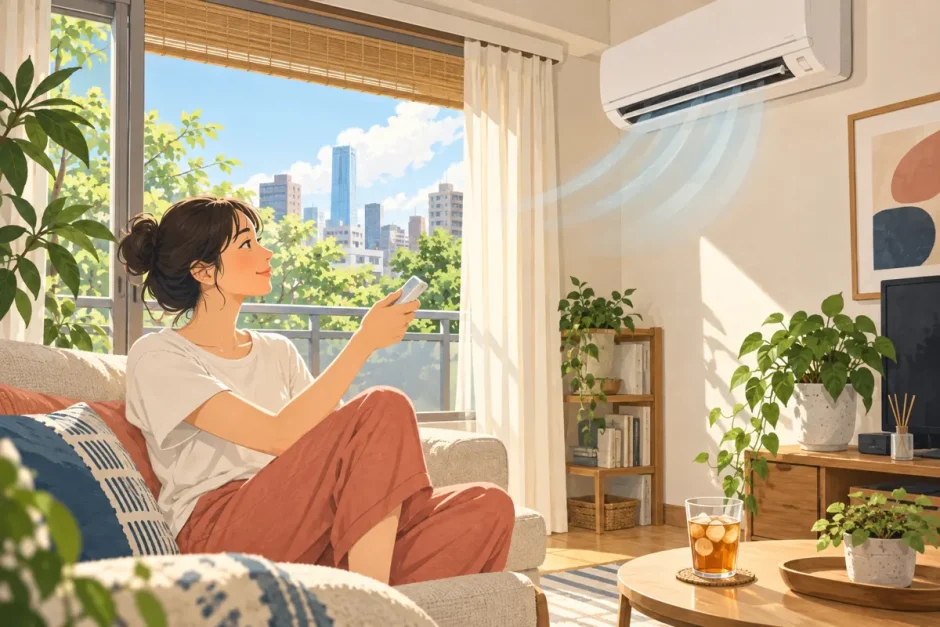

If you have just moved into an apartment in Japan, the air conditioner remote can feel like a small language test. Which button cools the room? Is dry the same as cooling? And why does the unit keep running after you press stop?
This guide translates the buttons you are most likely to see and shows you how to use a typical Japanese aircon (エアコン). Layouts and functions vary by model, so check your unit’s manual when a button behaves differently.
Japanese air conditioner remote: the essential buttons
| Japanese | Reading | Meaning | When to use it |
|---|---|---|---|
| 運転 / 入・切 | unten / iri-kiri | Run / on-off | Start or stop the unit. Some remotes have a separate 停止 (stop) button. |
| 冷房 | reibō | Cooling | Use when the room is too hot. |
| 暖房 | danbō | Heating | Use when the room is too cold. |
| 除湿 / ドライ | joshitsu / dorai | Dehumidify / dry | Try when the air feels damp; the temperature and running cost depend on the model. |
| 送風 | sōfū | Fan only | Moves air without actively cooling or heating on typical units. |
| 自動 | jidō | Automatic | Lets the unit choose a mode or adjust operation; behavior varies by model. |
| 温度 | ondo | Temperature | Adjust the target setting with ▲ / ▼. |
| 風量 | fūryō | Fan speed | Change airflow strength; 自動 means automatic. |
| 風向 | fūkō | Air direction | Change the angle of the louvers. |
| 切タイマー / 入タイマー | kiri taimā / iri taimā | Off timer / on timer | Schedule the unit to stop or start. |
These labels describe common controls, not a promise that every remote has every mode. Panasonic and Daikin both show cooling, heating, dry, fan and automatic modes on different models; the exact cycling order and settings differ. See Daikin’s mode overview and your model’s manual.
How do I turn on cooling or heating?
- Point the remote at the indoor unit and press 運転, 入/切, or the large power button.
- Press 運転切換 (mode change) until 冷房 appears for cooling or 暖房 for heating. Some remotes have a dedicated mode button.
- Use 温度 and the arrows to adjust the setting, then give the unit a little time to respond.
- If needed, adjust 風量 (fan speed) and 風向 (air direction).
If the displayed temperature changes but the air still feels warm, first check that the mode says 冷房 rather than 暖房 or 送風. A set temperature is a target, not a measurement of the room’s actual temperature.
Cooling (冷房) or dry mode (除湿): which should I choose?
冷房 prioritizes lowering the temperature; 除湿 or ドライ prioritizes reducing humidity. Cooling also removes some moisture. Dry mode can be useful on a muggy day when the room is not particularly hot. Some models cool the air during dehumidification, while others reheat it, so do not assume dry mode is always cheaper or warmer. Panasonic explains the difference between dehumidifying systems.
For a hot room, start with cooling. If it feels clammy at a comfortable temperature, try dry mode and see how your unit responds.
What do timer, sleep and cleaning buttons mean?
- 入タイマー turns the unit on later; 切タイマー turns it off later. Check whether your remote asks for a clock time or a number of hours.
- おやすみ (sleep) usually changes nighttime operation or sets a sleep timer. Its behavior depends on the model.
- 内部クリーン (internal clean) dries the inside after cooling or dehumidifying on supported models. The fan or warm air may continue after you stop cooling; this can be a normal cleaning cycle. It does not remove existing mold. Panasonic’s explanation gives an example; consult your manual for your unit.
- 取消 (cancel) is commonly used to clear a timer or setting.
How can I use an aircon without wasting electricity?
Start with a comfortable setting and adjust for the actual room, humidity and how you feel. You do not need to force the remote to 28°C: Japan’s environmental guidance describes 28°C as a room-temperature reference for Cool Biz, not a required aircon setting. If the room is uncomfortably hot, cool it appropriately. See the Ministry of the Environment guidance.
- Try automatic fan speed during cooling. Daikin notes that forcing a very weak fan can make the system work harder to cool the room.
- Close curtains against strong sun and keep the outdoor unit’s airflow unobstructed.
- Clean accessible filters as your manual directs. Daikin uses roughly once every two weeks as a general guide for units without a relevant automatic cleaning function. Turn the unit off first and do not dismantle internal parts. See Daikin’s energy-saving advice.
- Avoid repeatedly turning cooling off and back on at short intervals solely to save power; that can use more electricity in some conditions. For a long absence, switching it off usually makes sense.
What if the remote or unit is not working?
- Check the batteries and point the remote toward the indoor unit.
- Check the selected mode and timer. A timer may explain why the unit stops or starts unexpectedly.
- Look for blinking indicator lights or an error code, then check the model number and manual. Light meanings vary by unit.
- If you rent, contact the landlord or property manager before arranging repairs or opening the appliance. Report any leak, unusual smell or persistent fault promptly.
A useful message is: エアコンが冷えません。確認していただけますか。 (Eakon ga hiemasen. Kakunin shite itadakemasu ka.) — “The air conditioner isn’t cooling. Could you check it?”
Quick reference before you put the remote down
Hot? Look for 冷房. Cold? Look for 暖房. Humid? Try 除湿 or ドライ. Want to move air? Look for 送風. Want it to stop later? Use 切タイマー. When in doubt, photograph the model number on the indoor unit and look up that model’s manual.
For more ways to stay comfortable in summer, read our guide to beating the summer heat in Tokyo. If you are setting up your life in Japan, our jūminhyō guide covers another common first task.