


You have joined a Japanese job interview and can hear the recruiter, but your camera will not start. Stay on the call and tell the recruiter that your microphone works. Ask whether you can continue with audio while you check the camera or whether they would prefer you to reconnect.
Explain what is still working
音声は聞こえていますが、カメラが起動しない状態です。音声のみで進めてもよろしいでしょうか。
“I can hear you, but my camera won’t start. Would it be all right to continue with audio only?” If you can see the recruiter but they cannot see you, say 「こちらの映像が表示されていないようです」 (“It looks like my video isn’t showing”).
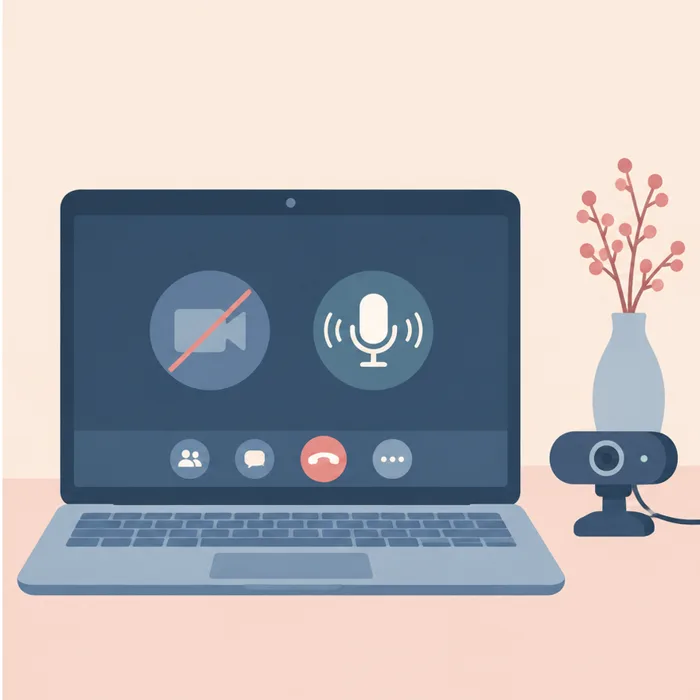
Check the camera without leaving the meeting
Look for a closed webcam shutter and make sure the meeting is using the intended camera. If another app is using it, close that app. If a browser asks for permission, check the site is the one in your invitation and grant access if appropriate. Tell the recruiter before doing anything that temporarily disconnects you.
Agree on a fallback
If they ask you to rejoin, confirm that you should use the same link and say how they can reach you if it fails. If audio stops too, use the contact listed in the latest invitation. When the link itself prevents you from entering, see what to tell a Japanese recruiter when the interview link won’t work.